
As an administrator you have the ability to view and edit all contacts including modify user and group permissions for each contact. There are three different contact directories on Voiceflow handsets:
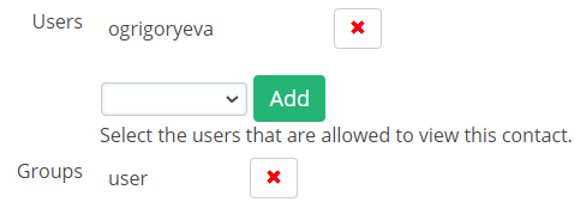
- Global Directory – This directory corresponds to the group permission. For example, if a user is in the “user” group they can view all contacts with the group permission “user” in their handset Global Directory.
- Personal Directory – This directory corresponds with the user permission. For example, if user “ogrigoryeva” is given permission to view a contact he can view that contact is his Personal Directory.
- Local Directory – This directory lists all extensions numbers on the system and cannot be modified.
Comments
0 comments
Please sign in to leave a comment.