
Contacts are names and numbers that can be added to a user’s handset via the Voiceflow web portal. The contacts can be made available to groups or specific users. Each user has three* contact directories available on their handset:
- Personal Directory: Any contacts made available to your user.
- Global Directory: Any contacts made available to a group your user is in.
- Local Directory: All user extensions on the PBX (this directory can not be modified)
* An additional LDAP integrated directory is available on request
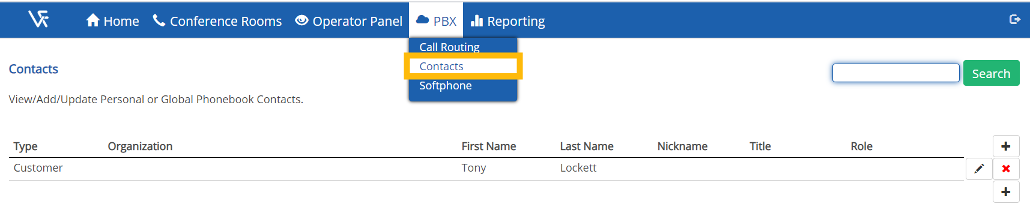
Users can access the contacts directory by clicking on “Contacts” on menu at the top of the screen. Contacts are added by clicking on the  button in the top right hand corner of the contacts table:
When adding a contact remember to assign the contact your user before saving or you will not have access to the contact for editing:

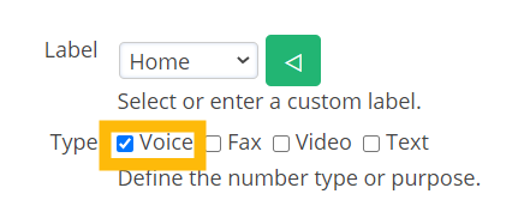
When a new contact has been added you can then assign a phone number for the contact by clicking on the  icon in the “Numbers” section. Select the “voice” type if you want this contact to be accessible via the handset directory:
Comments
0 comments
Please sign in to leave a comment.