
The Voiceflow Operator Panel is a simple and easy way to perform basic to advanced call functions from the user web portal including:
- Making calls.
- Viewing who’s on a call.
- Barge-In on a call (admin access only)
- Hang-up your own call.
- Ad-Hoc Call Recording (admin access only)
- Drag and drop blind transfer an active call.
- Drag and drop calling to other users.
You can see the status of other users also depending on what permissions are set to the user.

Making an Outbound Call
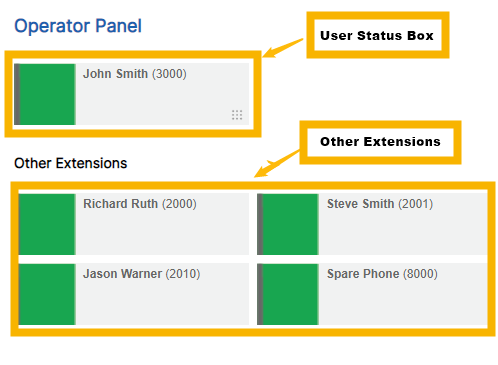
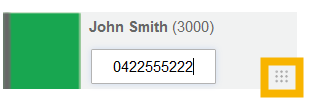
Calls can be initiated by clicking on the button in the bottom right of your user’s status box, typing in a number and pressing the Enter key on your keyboard.
 |
 |
Calling an Internal Number
To call an internal number you can simply drag and drop your colored status box over the user you want to calls status box.
Transferring Calls
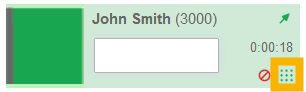
Calls can be transferred by dragging your colored box and dropping it on the box of the user you wish to transfer a call to, all call transfers initiated via the operator panel will be “blind transfers”. You can also transfer to an external number by clicking on the button in the bottom right of your status box, entered a number and pressing the Enter key on your keyboard.
Comments
0 comments
Please sign in to leave a comment.